Download the Playdate app
The chiptune.cc Playdate player — browse the catalog and listen to real chip music on your Playdate.
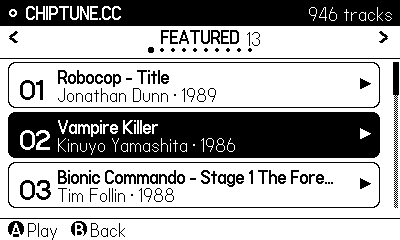
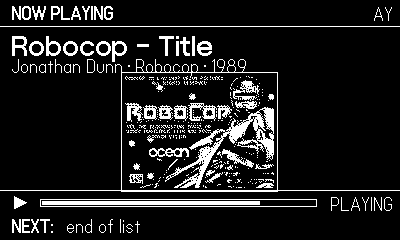
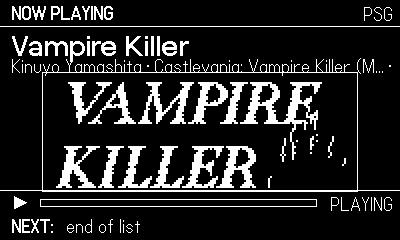
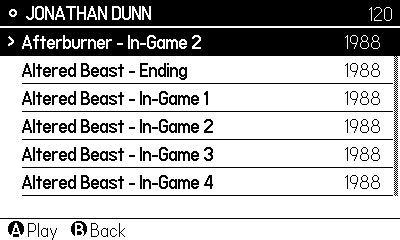
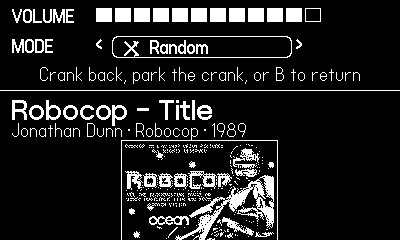
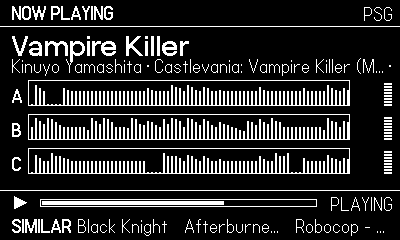
How it works — real chip emulation, not pre-rendered audio
This app does not play pre-rendered WAV or MP3 files. It plays the actual bytes from the olden days and synthesizes the sound on your Playdate:
- A built-in Z80 CPU emulator runs the original Z80 player program that
ships inside each
.ayfile — the same code the ZX Spectrum / Amstrad CPC ran. - That program writes to a built-in, cycle-accurate AY-3-8910 / YM2149 sound-chip emulator (ayumi), which generates the waveform sample-by-sample — exactly the register writes the real chip received decades ago.
- Tracker formats (PT3 / Vortex Tracker, and packed
.ayvia LHA decompression) are decoded and fed to the same AY core.
So every note you hear is computed on-device from period-accurate chip state — true emulation, not a recording.
Coming soon: a SID (Commodore 64) core, to bring C64 music to the same player.
Sideload instructions
- Download the
.pdx.zipfrom the link above. - Sign in at play.date and open Account → Games → Sideload.
- Upload the file; it appears under Sideloaded games.
- On your Playdate: Settings → Games, then sync to pull it down.
- Launch it from the games list and enjoy the tunes.